

Who is this Website for ?
If your Business or Organisation is considering implementing RPA or you have the responsibility of implementing RPA into an business process we can help guide you through some of the typical topics, that you will come across, such as:
- What are the Costs to implement RPA?
- How easy is RPA to implement?
- What processes is RPA suitable for?
These are just a few of the topics we will cover in great detail.
What is RPA?
RPA (Robotic Process Automation) is a technology that uses software robots to automate repetitive, rule‑based digital tasks.
A virtual robot replicates actions the human would take such as clicking, typing, copying data, filling forms, and navigating systems.
There is no requirement for a physical robot, The software is installed and works in the background, therefore no major IT changes are required.
How does RPA software work?
A robotic process automation (RPA) robot replicates a human by mimicking the exact steps a person takes on a computer.
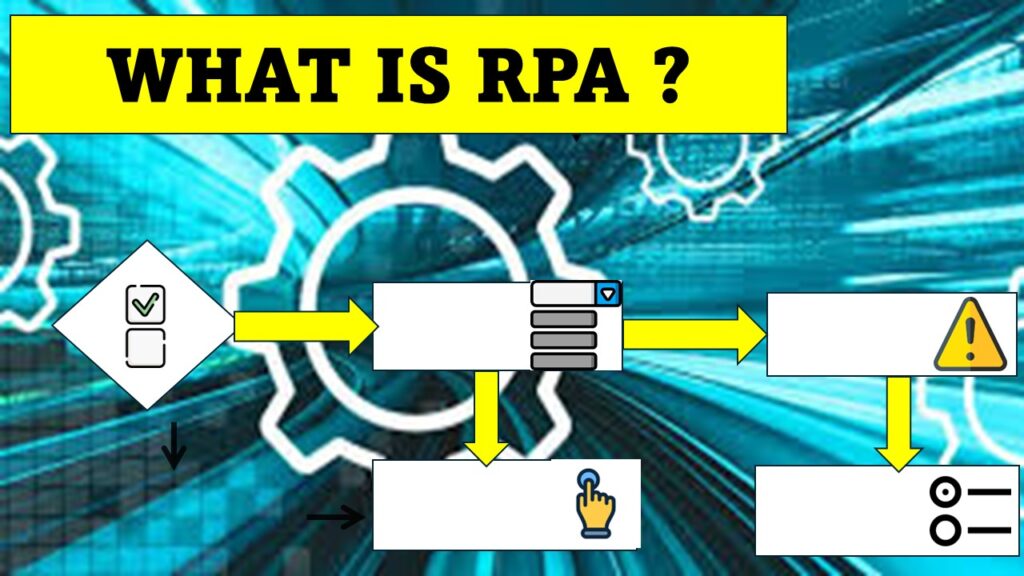
The RPA bot copies the human actions, not the human thinking. It can input data to fields, read data from fields, click buttons and menu items such as dropdowns, radio buttons, select tick boxes and checkboxes,
It can complete all the actions the human would complete in a process, in the same order.
RPA software It is able to login into systems and open websites if required to obtain information or use other websites to return search results.
The ideal processes to migrate to automation initially are, processes which are repetitive and follow the exact same path each time, however, the software is capable of following different paths by applying logic, to cover multiple scenarios.
RPA software is able to follow any path a human is capable of as long as decision making is not required, RPA software can’t make decisions that require human judgement, interpretation of unstructured information, creativity, using emotional intelligence or complex reasoning.
However, if a rule can be applied to the situation, such as if the application is for a product over $500 follow path A, if less the $500 follow a different path, then the process can be automated.
Building the Automation – Time and Complexity
As RPA is capable of replicating human work, the next question many organisations face is how easy is it (or what is the level of complexity or difficulty) and how long does it take to build and implement the automated solution.
The automated solution is built by building a process flow which replicates the human actions.
The first step is to install the software onto a machine. The developer will need any existing systems, websites and forms used in a process to be open at the various stages of developing the solution.
Usually a RPA feasibility analysis will be taken of an existing process to ensure it meets suitability. The process will then be mapped out, working with a process expert to capture the ideal straight through process and also any other scenarios or process paths.
Once the developer starts building the solution, they will work with the process expert to walk through the process. This will require some time of a current user to assist in this process. The developer will build the process path exactly as the process expert explains to them.
The RPA solution will be built by dragging tools from the RPA software toolbox onto a process flow. Example tools such as Click, Write and Read. These tools will be linked to a specific “element” in the system the human works. For example, a Click tool (this has different names in different software, but for this purpose we will call it a click) will be linked to button clicks such as “Login” “Next” “Confirm” in the specific system. Write tool will be linked to a field where data is input and a Read tool will be linked to a field or menu item containing information which needs to be copied or moved.
The developer will usually use the software to capture all the fields and buttons etc before building the solution.